A filterable card grid on any website.
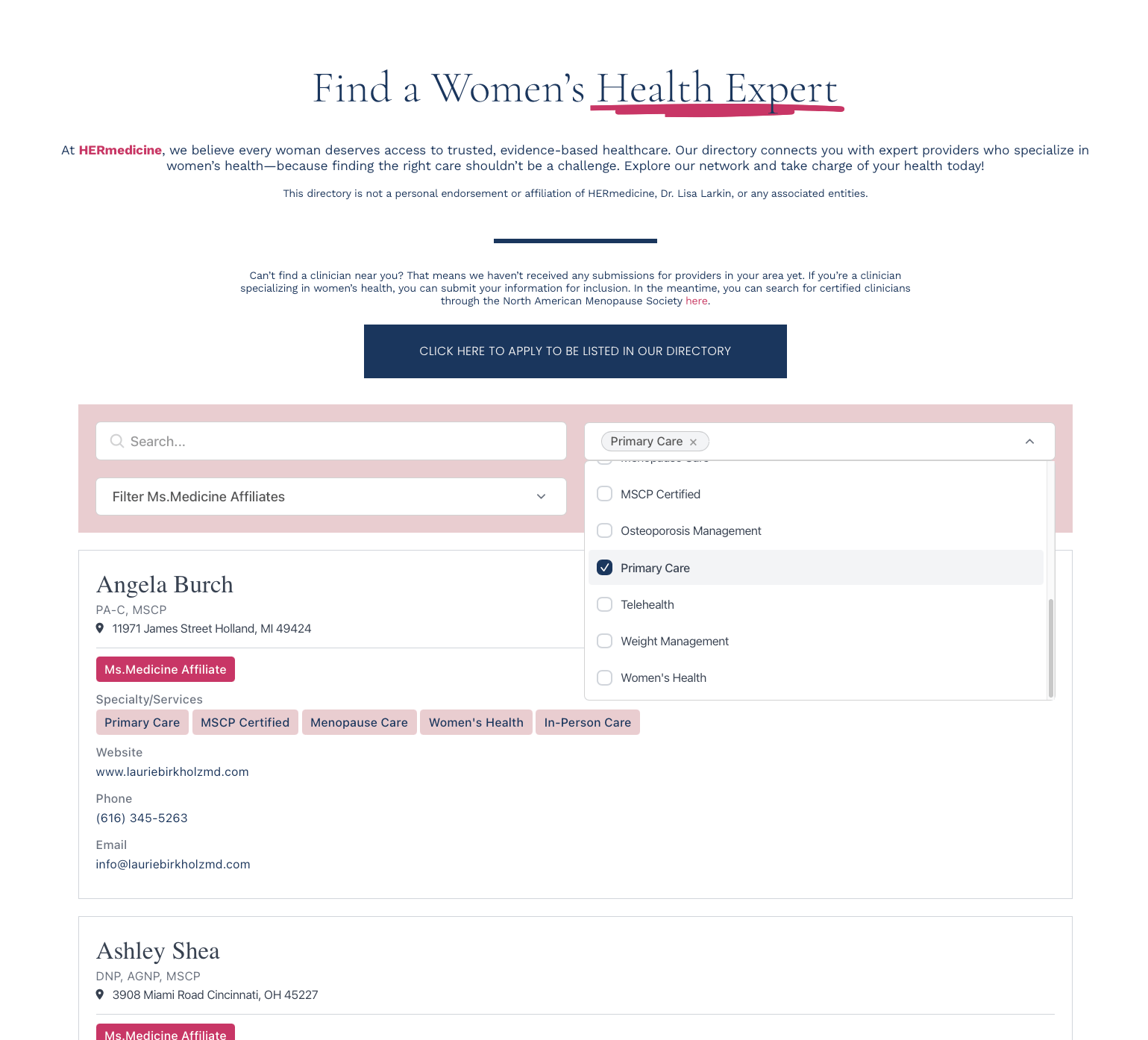
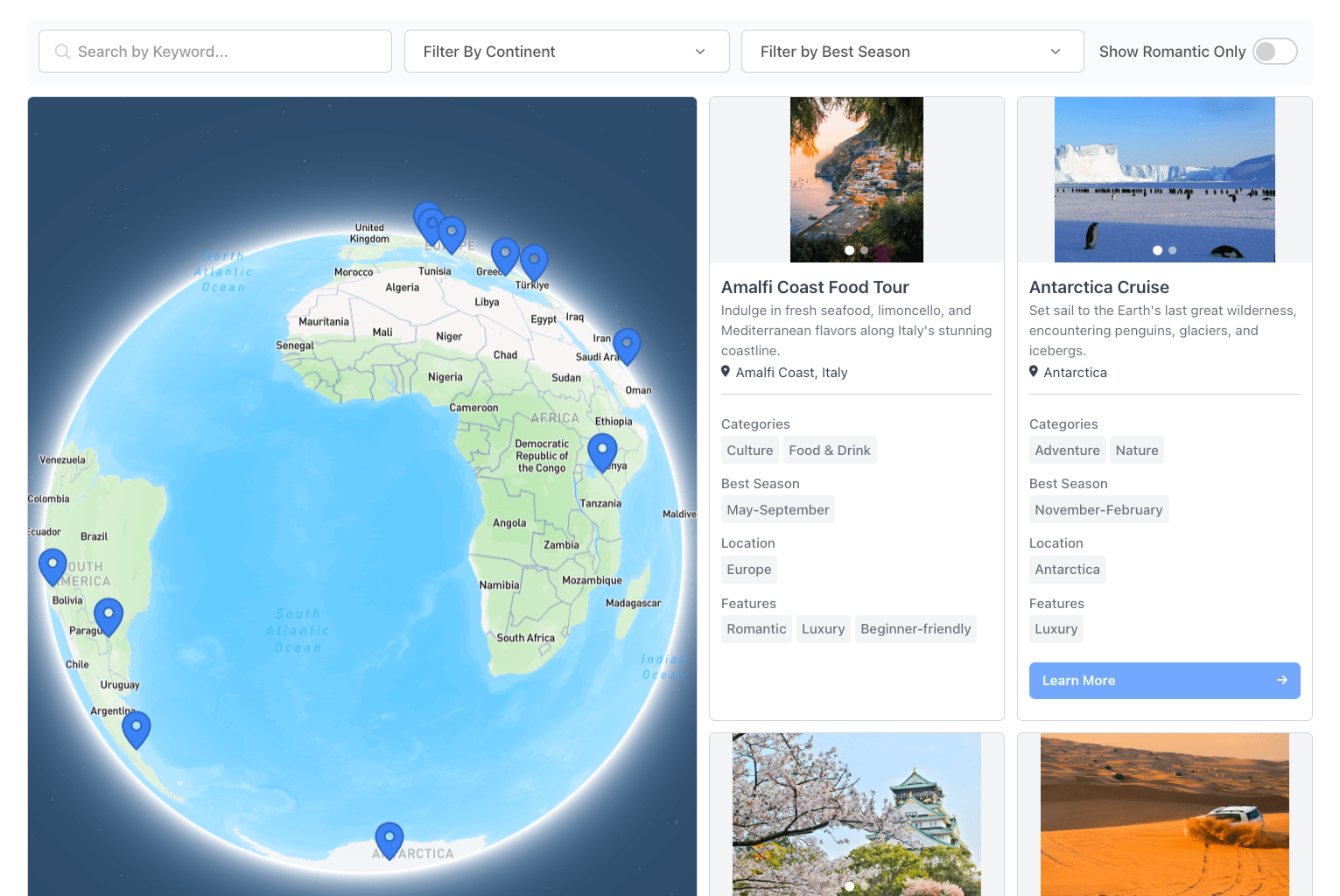
Search bar, dropdowns, range sliders, sort options. Cards with images, tags, and any details you define. Works the same on Squarespace, WordPress, Wix, Shopify, and custom sites. No coding required.
Create My DirectoryKeyword search, dropdowns, range sliders, location radius, toggles. Filters stack.
Sort by name, date, distance, or any field. Ascending, descending, random, or tag priority.
Stack, horizontal scroll, or compact card. Cards adapt to screen size automatically.
Click a card for the full listing. Image galleries open in a lightbox. Each listing gets a shareable URL.

1. Define your fields
Pick what each card shows: name, image, description, tags, links, contact details.
2. Add your data
Import a CSV, sync from Google Sheets, or add listings by hand.
3. Set up filters
Search bar, dropdowns, range sliders, sort options. Drag to reorder.
4. Paste one snippet
Copy the embed code. Drop it into any page. Dashboard changes appear within minutes.