An interactive map directory on any website.
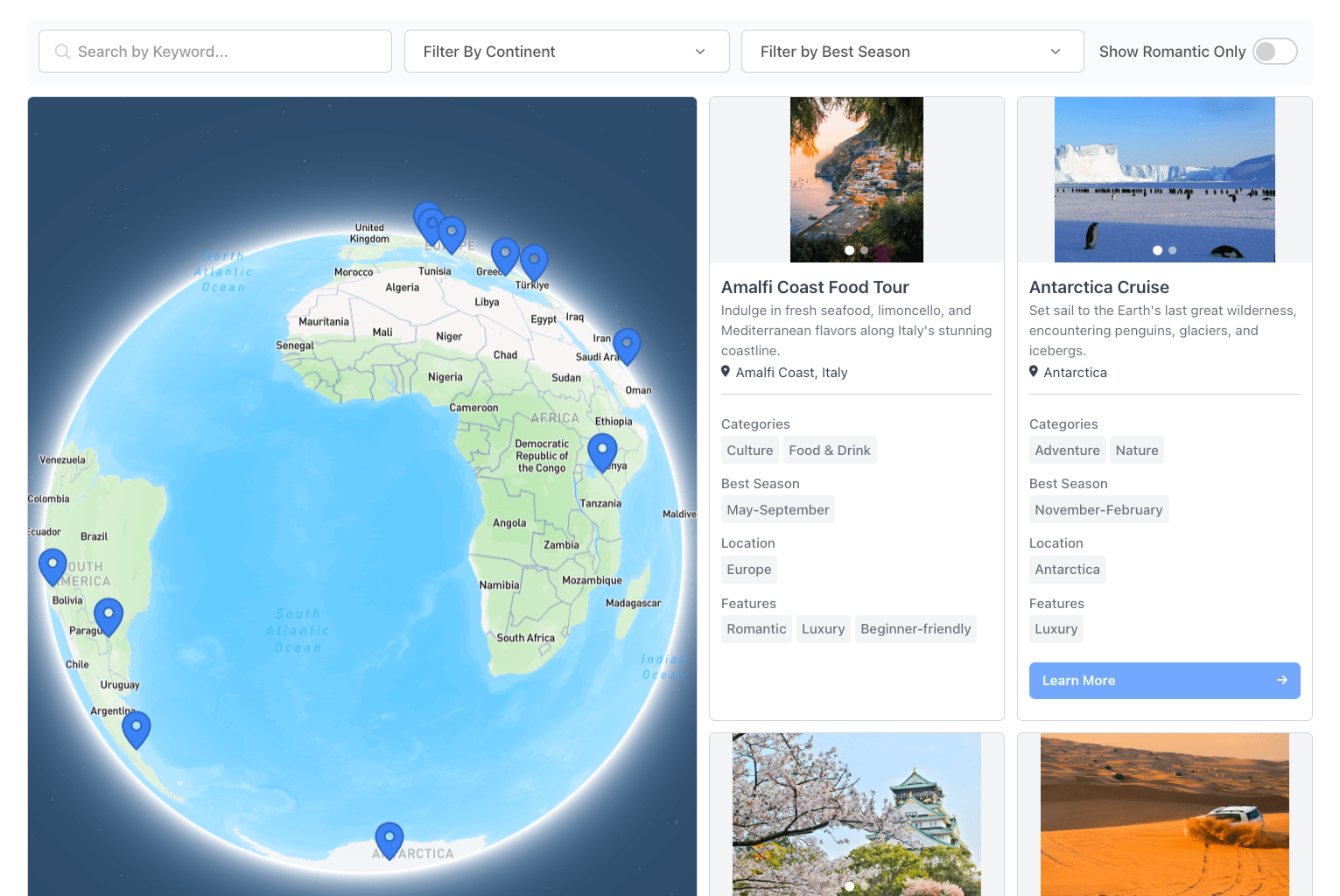
Mapbox-powered map with clickable pins. Map sits left, right, or top of the listings. Visitors search by address or zip with a distance radius. Marker colors change based on category, tag, or any field. No coding required.
Create My DirectoryMap on the left, right, or top of the listings. Adjust the size to fit your page.
Visitors enter an address or zip, set a radius in miles or kilometers. Results sort by distance.
Pins change color based on category, tag, or any field value. Upload custom marker icons too.
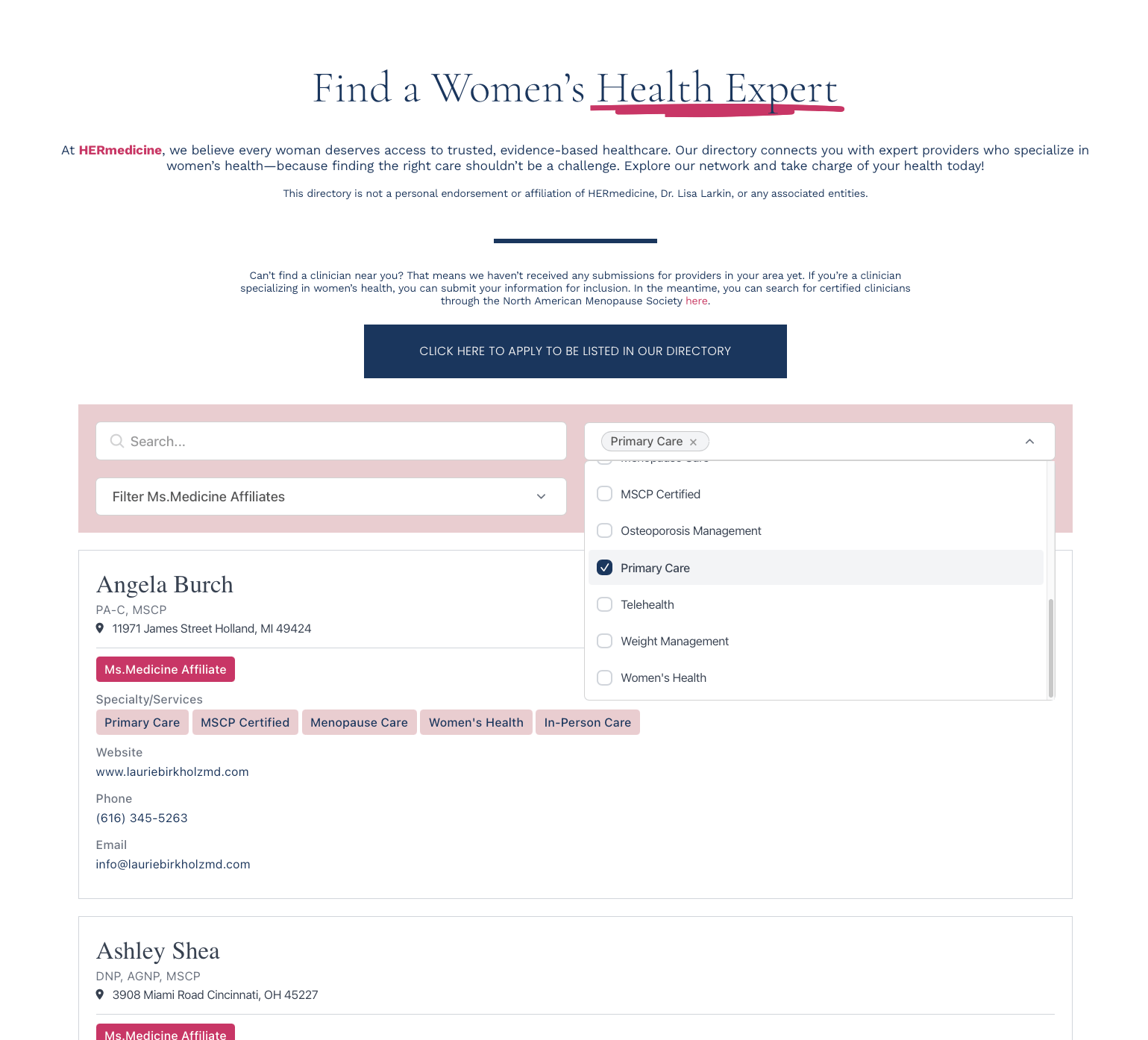
Map and list stay in sync. Keyword search and category filters update pins and rows together.

1. Define your fields
Include address for the pins. Add name, description, category, and any details you want on the card.
2. Add your data
Import a CSV, sync from Google Sheets, or add listings by hand. Addresses geocode automatically.
3. Link Mapbox
Create a free Mapbox account. Paste your token. Setup takes a few minutes, we walk you through it.
4. Paste one snippet
Copy the embed code, drop it into any page. Dashboard changes appear within minutes.