A searchable member directory for your chamber website.
Visitors filter members by industry, name, or location and reach them in seconds. Each member shows a logo, contact details, hours, and a link straight to their site. Members can update their own listing.
Create My DirectoryMember directories for chambers and associations.
Member listings with industry filters, map view, and member-only badges for visiting prospects.
Professional member listings filterable by specialty, certification level, and region.
Local business directories with map pins, neighborhood filters, and distance search.
Member cards with bio, contact details, and expertise tags. Members find each other in seconds.

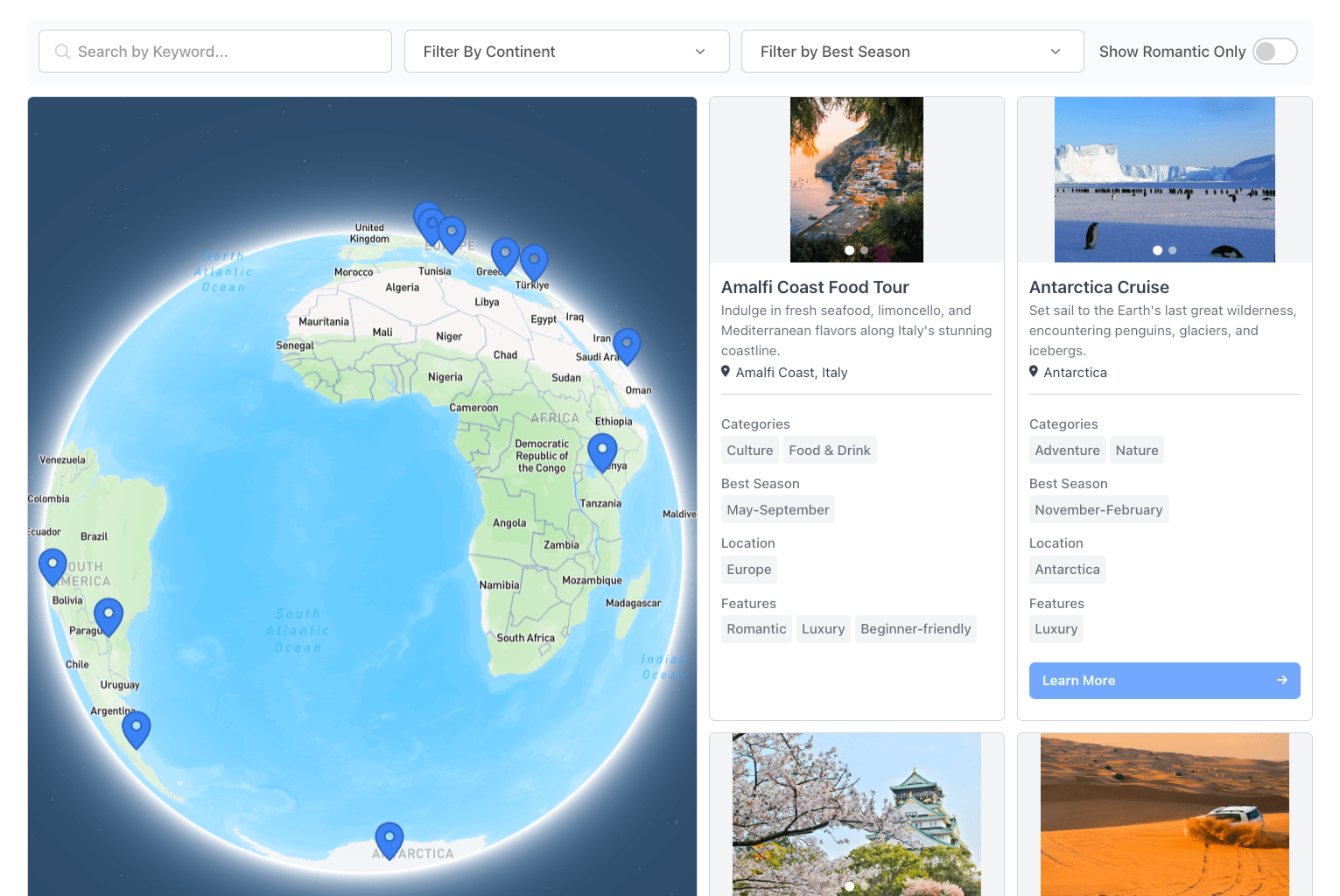
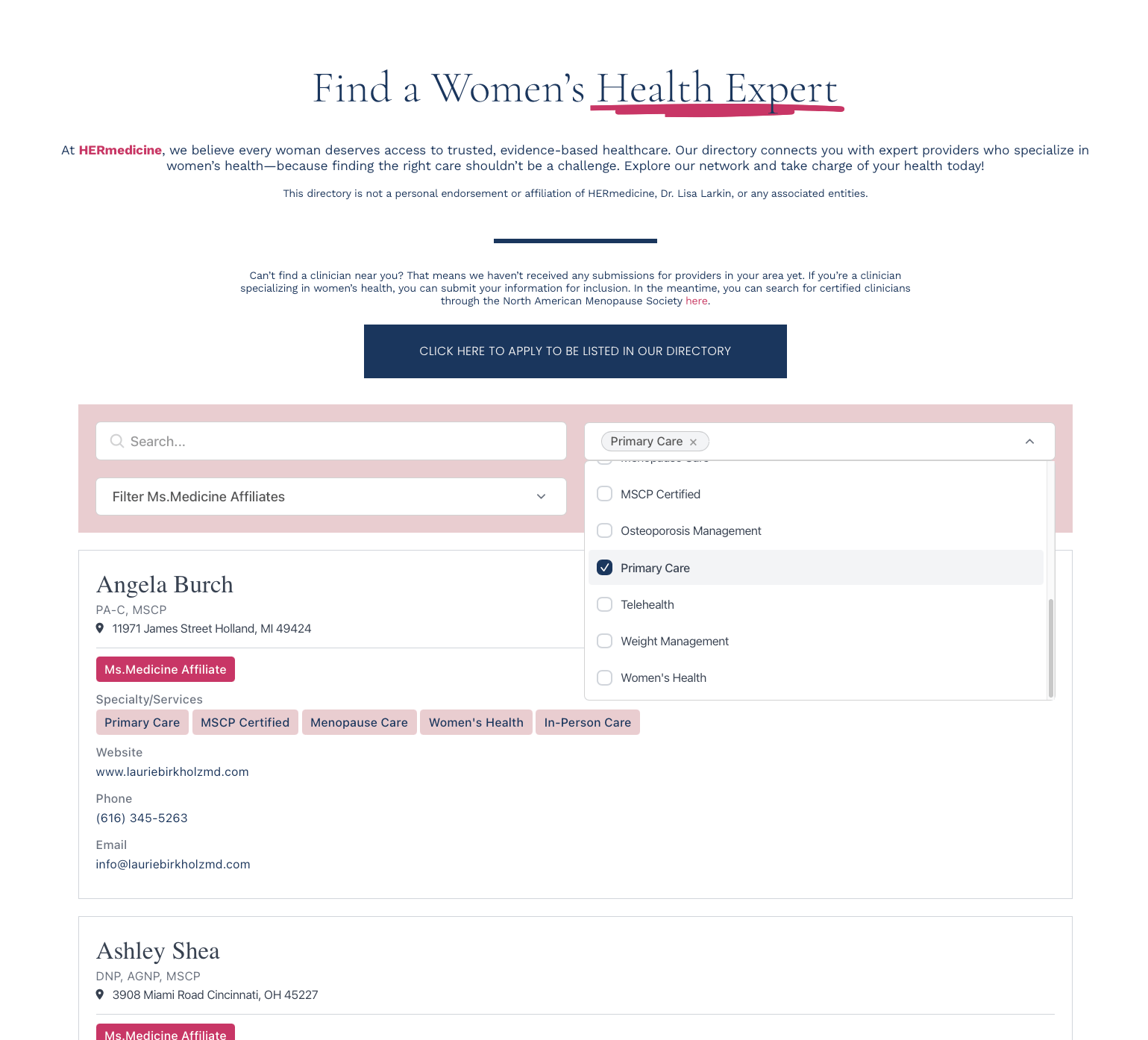
Built for the way prospects look up members.
Keyword search, industry dropdowns, location radius, neighborhood toggles. Filters stack.
Logo, description, contact details, website, social links, industry, membership tier. You define the fields.
Show "Founding," "Featured," or "Premium" as colored badges on cards. Filter by tier with a single dropdown.
Members update their own listings through JotForm, Typeform, Tally, or Zapier. You approve before changes go live.
From your member spreadsheet to live directory.
1. Define member fields
Business name, industry, logo, phone, website, address, membership tier. Whatever you track.
2. Import your members
Drag in a CSV of your roster, sync from Google Sheets, or add members one at a time.
3. Set up filters
Industry dropdown, location radius, membership tier toggle, sort order. Drag to reorder.
4. Paste one snippet
Drop the embed code into any page. Updates from the dashboard appear within minutes.