A filterable, searchable table on any website.
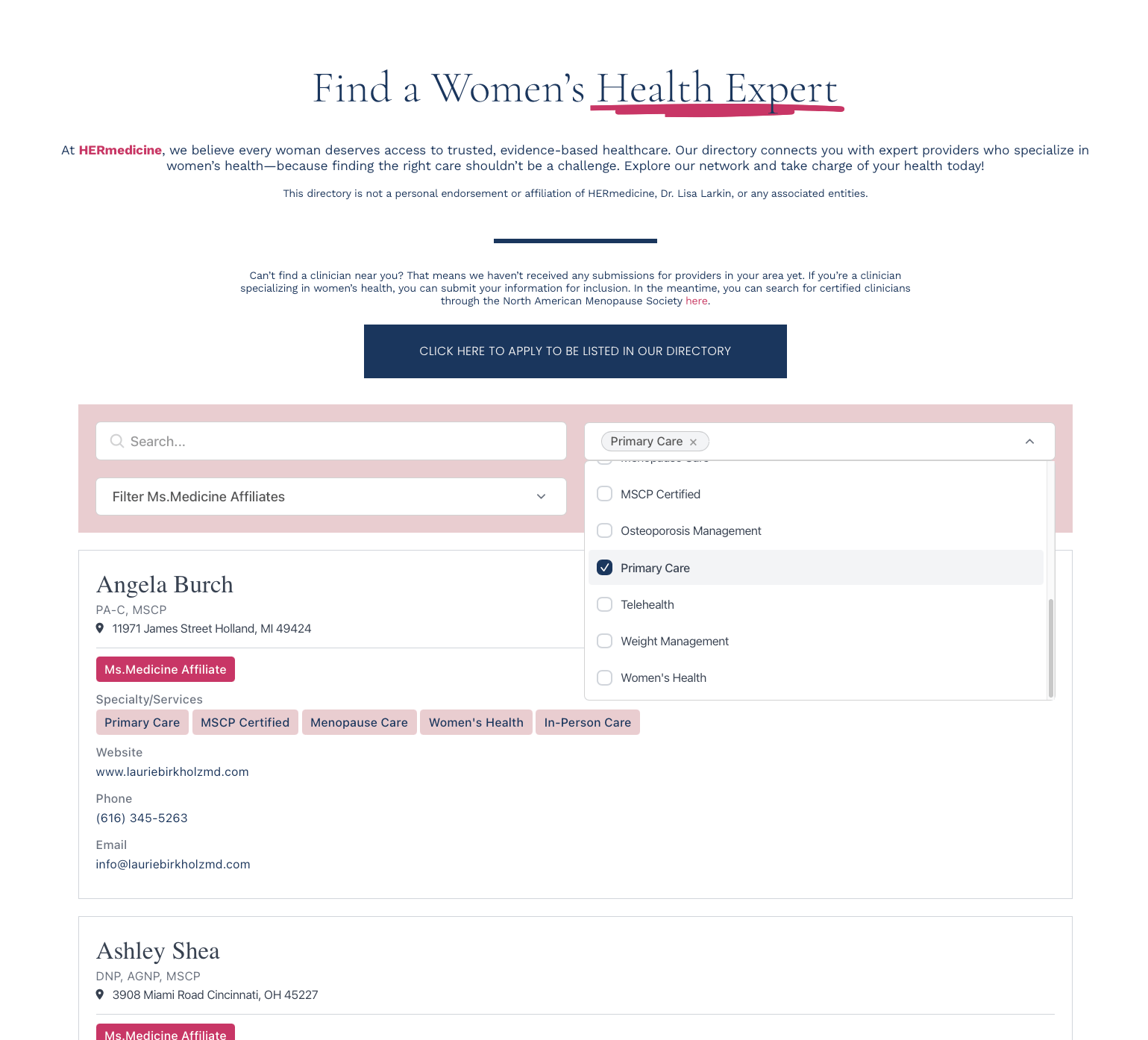
Structured columns for data-rich directories. Sortable headers, dropdown and range filters, built-in pagination. Each custom field becomes a column. No coding required.
Create My DirectoryEach custom field becomes a column. Sortable headers. Hide columns on mobile.
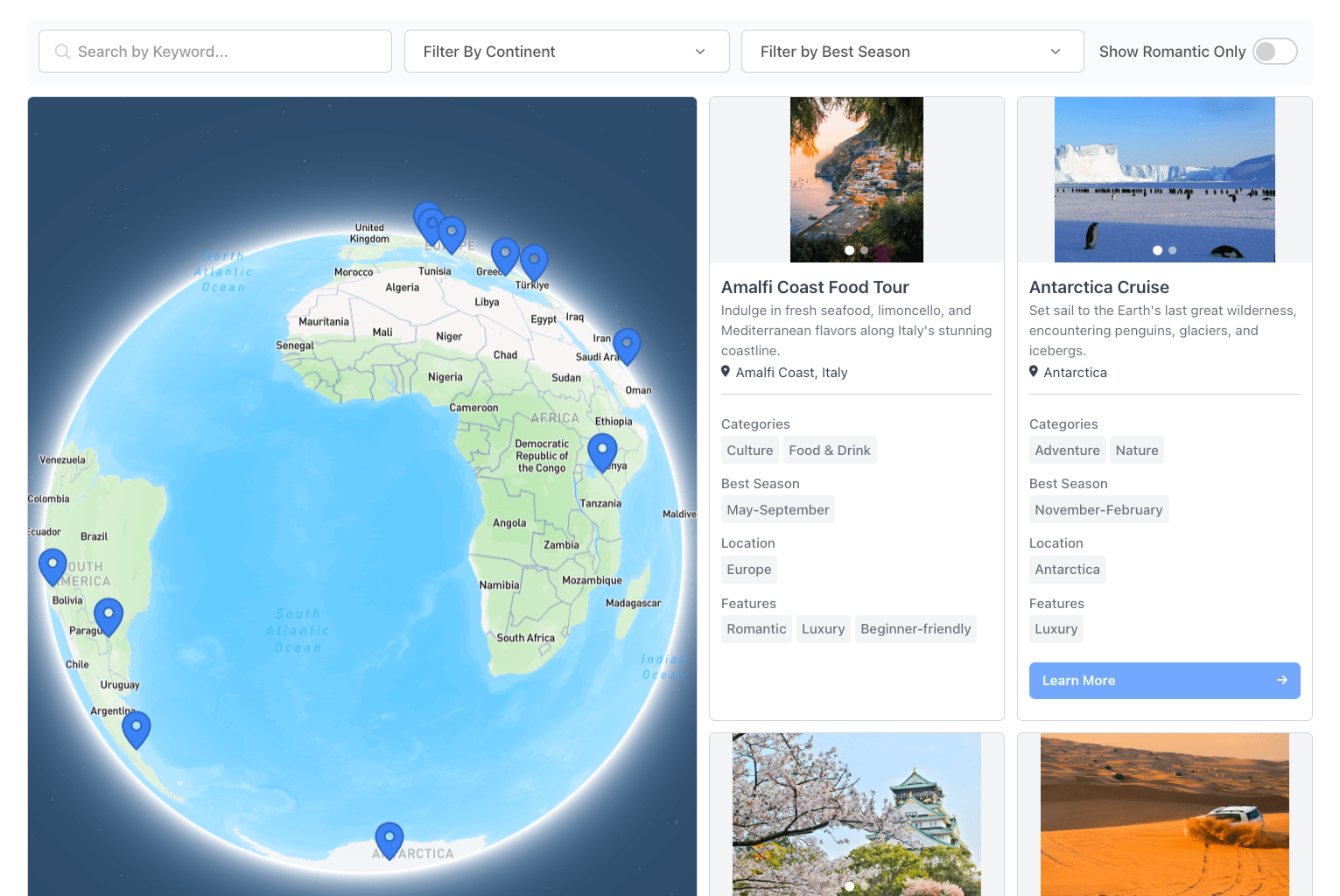
Keyword search across columns. Dropdown and range filters. Visitors find rows in seconds.
Click a header to sort ascending or descending. You decide which columns are sortable.
Horizontal scroll or stacked layout on small screens. The whole table stays usable.

1. Define your columns
Pick which fields show as columns. Name, category, location, contact, anything.
2. Add your data
Import a CSV, sync from Google Sheets, or add rows by hand.
3. Set up filters
Search bar, column filters, default sort order. Drag to reorder.
4. Paste one snippet
Copy the embed code, drop it into any page. Dashboard changes appear within minutes.