A searchable member directory for your website.
Members find each other by name, location, or category in seconds, and can keep their own profile up to date. Each one shows a photo, bio, credentials, and contact details. Build a public directory using information your members agree to share.
Create My DirectoryMember directories for groups of every kind.
Member profiles filterable by specialty, region, and certification.
Members find each other by name, graduation year, location, or interest.
Faculty, staff, or alumni directories with department and role filters.
Board members, volunteer teams, congregation directories, small group finders.
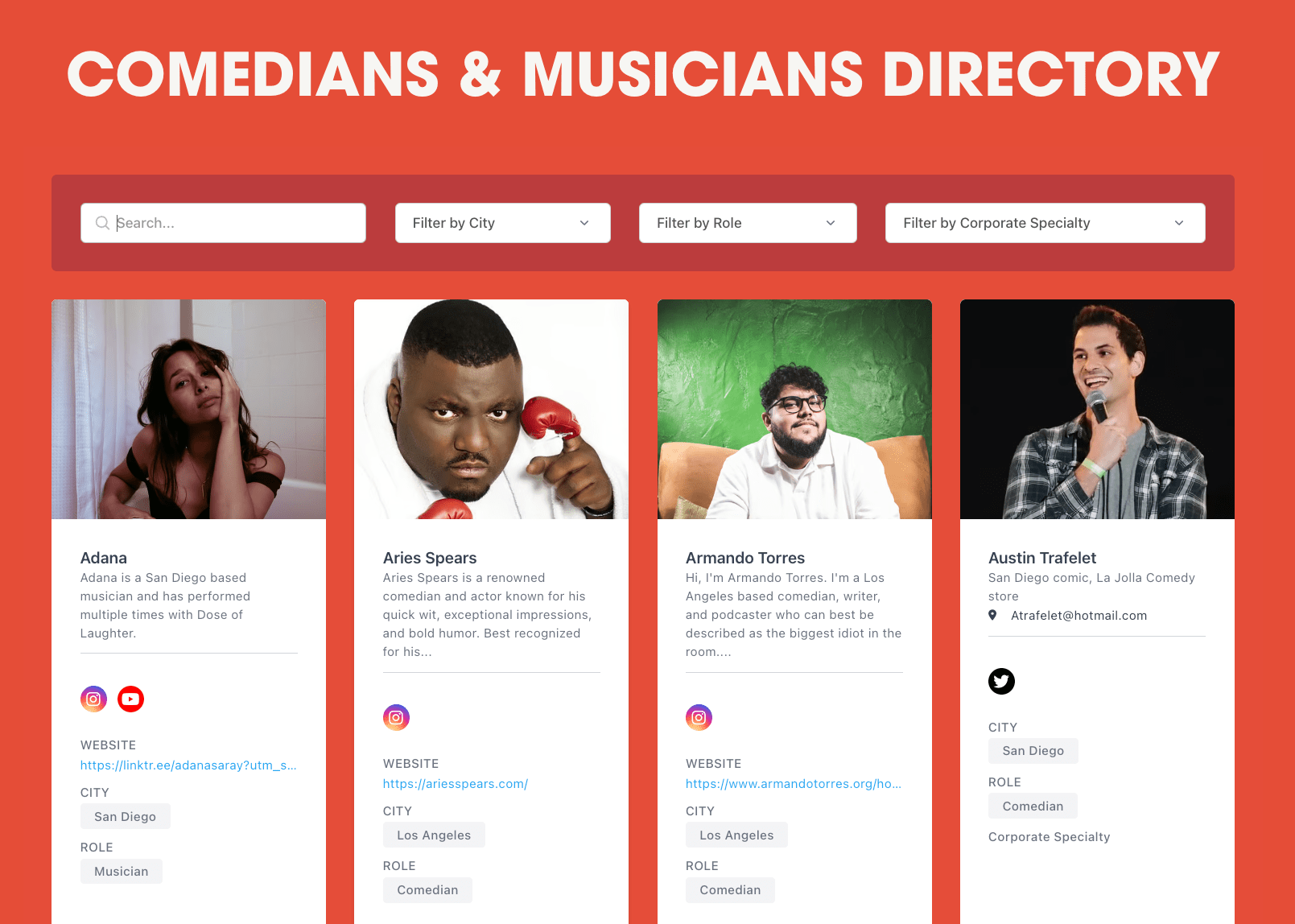
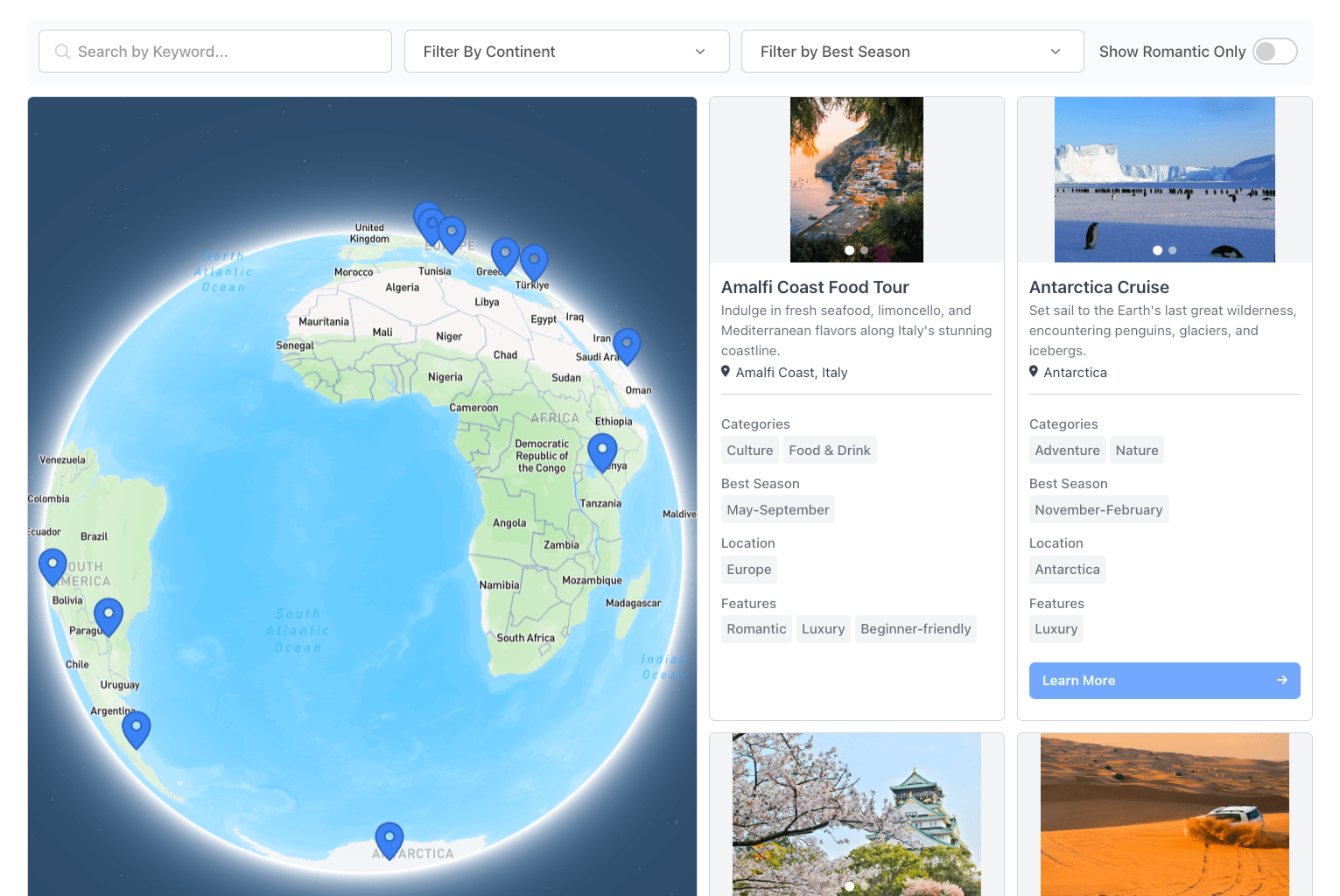
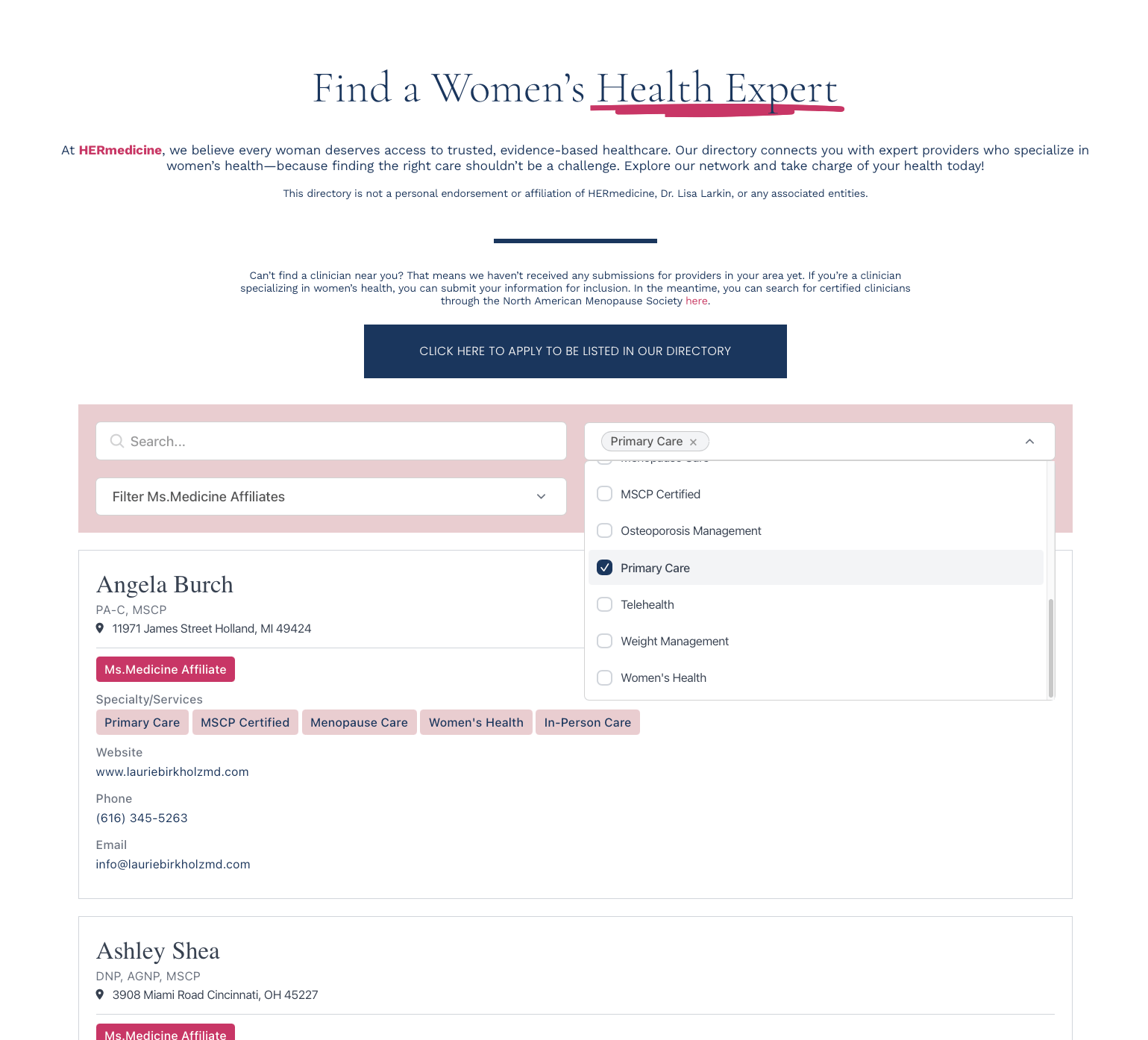
Built for the way members search each other.
Keyword search, department dropdowns, role toggles, location radius. Filters stack.
Photo, bio, credentials, contact details, social links, custom fields. Each member gets a shareable URL.
Help visitors find your members on your website. Only publish information intended for public access.
Members update their own profiles through JotForm, Typeform, Tally, or Zapier. You approve before each change appears.
From your member roster to live directory.
1. Define member fields
Name, department, title, photo, bio, contact details, credentials. Whatever members would search for.
2. Add your members
Import a CSV, sync from Google Sheets, or add members one at a time.
3. Set up filters
Department dropdown, role toggle, location radius, sort order. Drag to reorder.
4. Paste one snippet
Drop the embed code into any page. Updates from the dashboard appear within minutes.