A searchable list on any website.
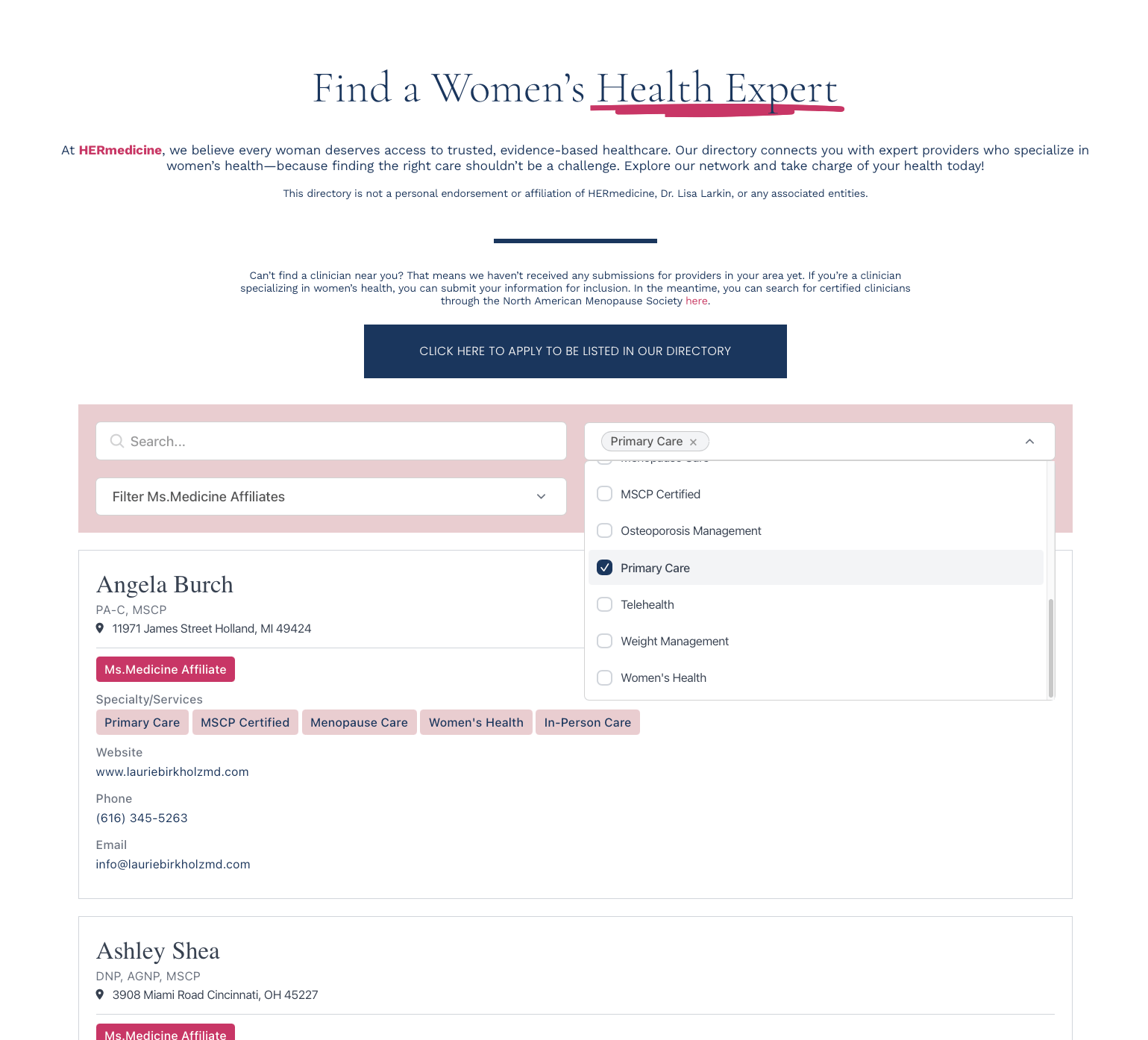
Compact rows for long directories. Search bar, dropdown filters, sort options. Built for member directories, staff lists, and provider finders that scan top to bottom. No coding required.
Create My DirectoryDense, scannable rows. More listings on screen at once. Ideal for long directories.
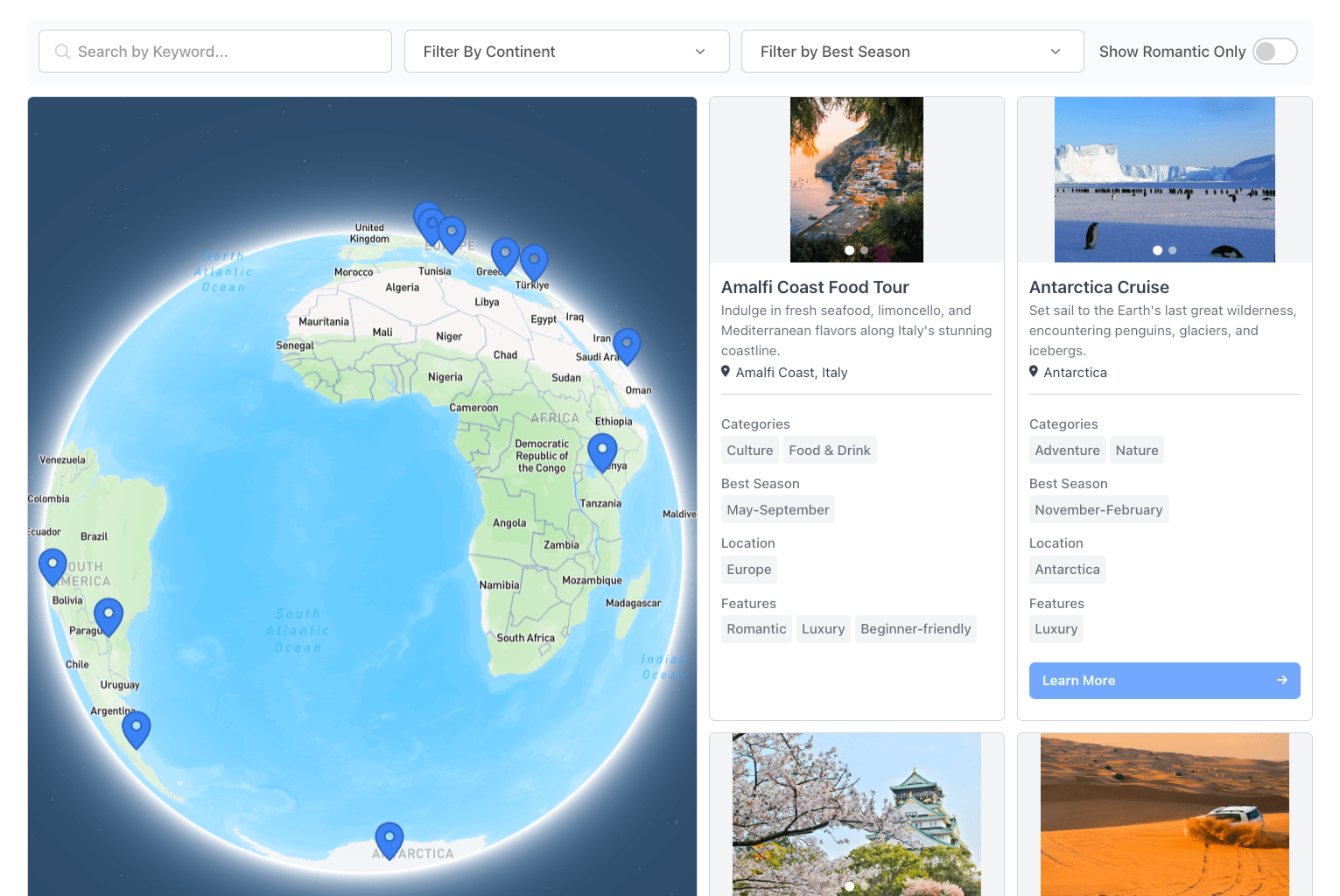
Keyword search, dropdown filters, location radius. Visitors find a row in seconds.
Sort by name, date, distance, or any field. Ascending, descending, random, or tag priority.
Stack, horizontal scroll, or compact card. Built for touch and small screens.

1. Define your fields
Pick what each row shows: name, description, tags, links, contact details.
2. Add your data
Import a CSV, sync from Google Sheets, or add rows by hand.
3. Set up filters
Search bar, dropdown filters, sort options. Drag to reorder.
4. Paste one snippet
Copy the embed code, drop it into any page. Dashboard changes appear within minutes.