Turn a Google Sheet into a searchable directory.
Connect a sheet, map columns to fields, pick how often to sync. New rows become new listings. Edits update the existing ones. Visitors search and filter on your site.
Create My DirectoryIf it lives in a spreadsheet, it can be a directory.
Sync product listings from a sheet. Visitors search and filter by category or attribute.
HR or ops updates the sheet. Your team directory stays current on your site.
Libraries, links, or tools. Add rows in Sheets and they appear in your directory.
Show stock, locations, or availability. Sync from your master spreadsheet.

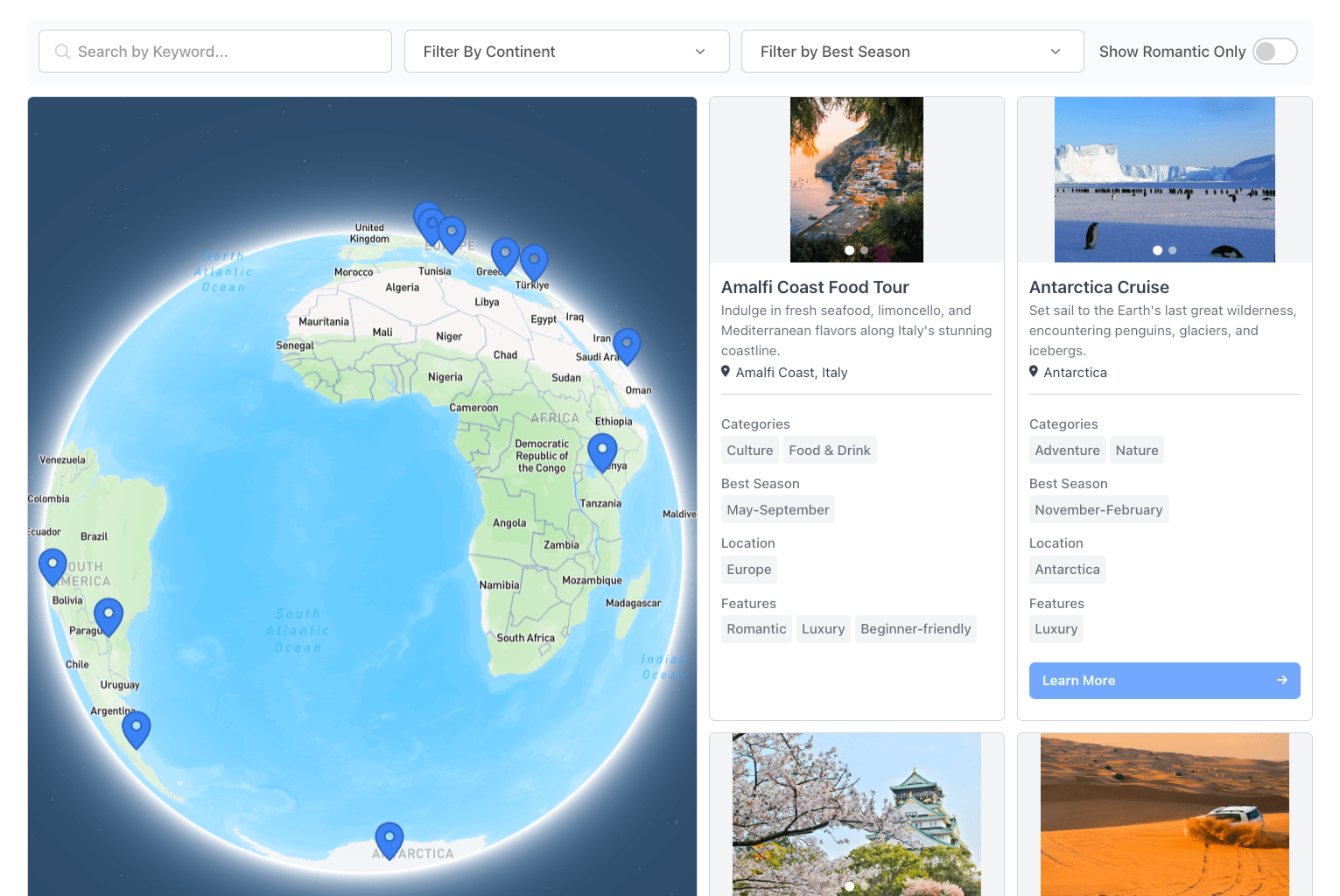
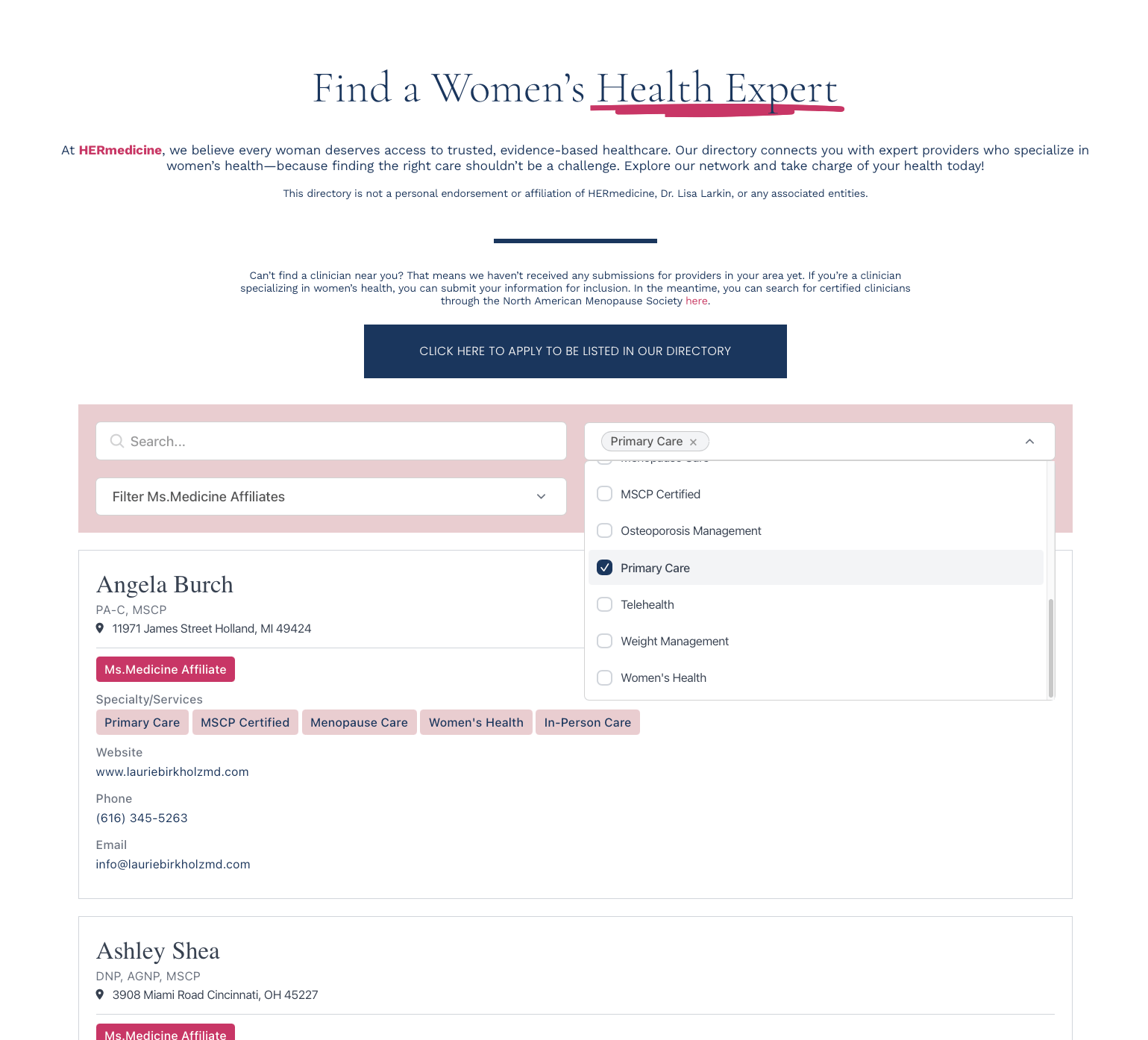
Google Sheets Directory Features
Edit your sheet and listings update in your directory. No manual re-import.
Map sheet columns to directory fields. Add or remove columns anytime.
Connect more than one sheet. Combine data or keep directories separate.
Hide listings without deleting. Use a column to mark active or inactive.
View when syncs ran and what changed. Troubleshoot or audit updates.
Keyword search, category filters, and sorting. Works on all synced listings.
From Google Sheet to live directory.
1. Define your fields
Pick what each listing shows: name, category, description, contact details, photos, anything.
2. Connect your sheet
Authorize EmbedDirectory to read your sheet. Pick the tab and range.
3. Map columns to fields
Match sheet columns to directory fields. Matching names map automatically. Pick a sync frequency.
4. Paste one snippet
Drop the embed code into any page. New sheet rows show up at the next sync.