Automate your directory with Zapier.
Connect your CRM, forms, spreadsheets, and thousands of other apps through Zapier. New records become listings, edits update them, and you stay in control of what goes live.
Create My DirectoryBring in data from the apps you already use.
New contact in Salesforce or HubSpot? Create a directory listing automatically.
Typeform, Tally, or Google Forms. New submission creates a listing.
New row in Airtable? Sync to your searchable resource directory.
Partners in HubSpot become listings. Update the CRM and the directory updates.

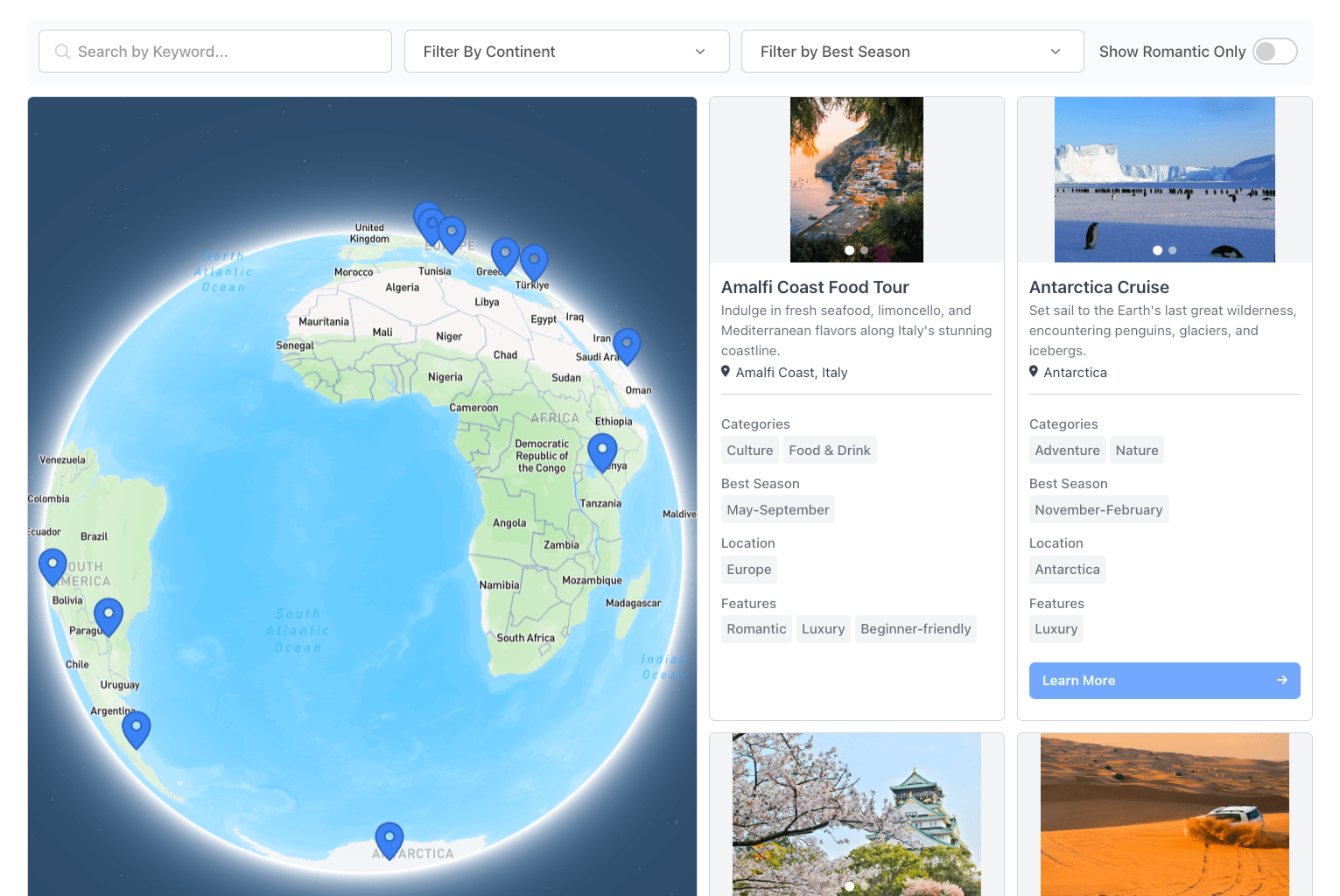
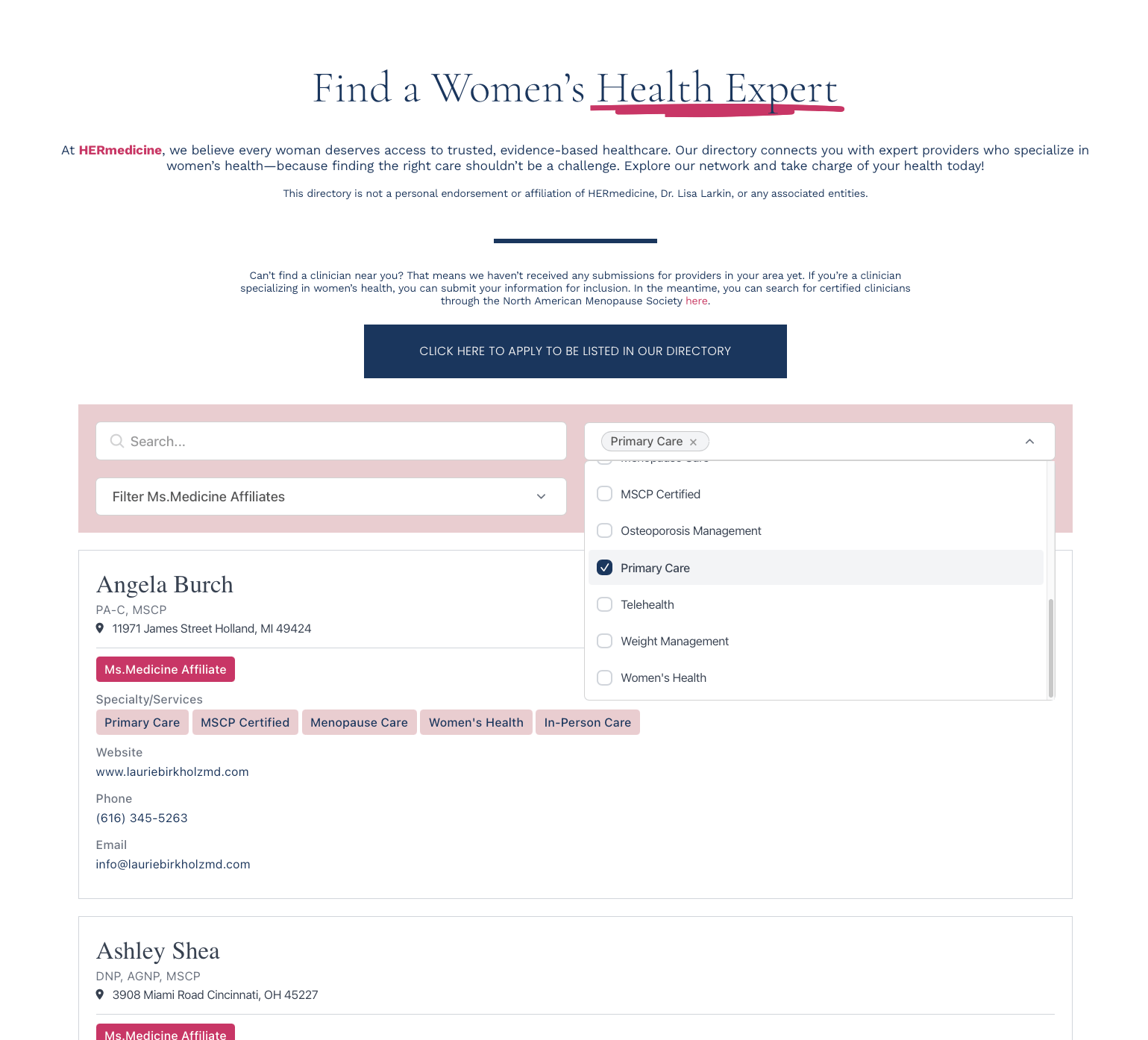
Zapier Directory Features
Connect CRM, forms, spreadsheets, databases, and more. Zapier handles the integration.
New trigger creates a listing. Existing trigger updates one. Map fields in the Zap.
New form submission, CRM contact, spreadsheet row, or webhook. Zapier supports them all.
Chain steps before EmbedDirectory. Filter, transform, or enrich data first.
Grid, list, table, or map. Choose the layout that fits your directory.
Paste one code snippet. Works with WordPress, Squarespace, Wix, Webflow, and any website.
From source app to live listing.
1. Define directory fields
Define fields, add a starter listing if useful, grab your EmbedDirectory API key.
2. Connect in Zapier
Create a Zap. Pick your trigger app. Add EmbedDirectory as the action.
3. Map trigger data
Map trigger fields to directory fields. Name, description, category, contact details, anything.
4. Turn the Zap on
New triggers create or update listings. Embed the directory on any page.